
Finding a clear price tag for continuing education software can feel like hunting for a needle in a haystack. Here are the 10 best options, who they suit, and why the price matters for your program.
1. Steams Online (Our Top Pick) , All‑in‑One Platform
Steams Online is an all‑in‑one training management system built for vocational schools, healthcare programs, and faith‑based education. It bundles registration, scheduling, payments, CRM, LMS, attendance, certificates, reporting, and communications in a single hub.
Best for managers of community education centers and directors of training programs who want to replace spreadsheets with a unified view. The platform’s pricing tiers are transparent on the pricing page, letting you budget without hidden fees.
Because it covers every workflow, schools often see fewer admin hours and faster enrollment cycles. A features overview shows the built‑in CRM that tracks leads from inquiry to enrollment.

2. TalentLMS , Simple Pricing for Small Programs
TalentLMS offers a straightforward per‑user pricing model that starts at $109/month for up to 40 learners. The platform focuses on ease of use, making it a solid choice for small training programs or niche certifications.
It’s ideal for independent trainers or small NGOs that need a quick rollout. The pricing page clearly lists what’s included, so you avoid surprise costs.
Automation is limited to basic email triggers, but the simplicity keeps admin time low. You can read more about its pricing on the LMS overview.

3. Open‑source LMS, Flexible Tiered Pricing
An open‑source LMS platform provides tiered pricing based on the number of active users. It shines for organizations that need deep customization and open‑source flexibility.
Large vocational schools that run multiple programs benefit from the ability to host custom plugins and integrate with existing SIS tools.
While the core platform is free, the hosted service adds a per‑active‑user charge that scales with usage. This model can keep costs down during off‑season periods.
Industry reports indicate that open‑source LMS platforms serve millions of users worldwide, underscoring their reliability for large deployments.
4. Enterprise Per‑Seat LMS Solutions
Enterprise per‑seat LMS solutions use a per‑seat pricing model that fits organizations with stable learner counts. Each seat typically includes full LMS features, reporting, and mobile access.
Organizations that train a fixed workforce, such as hospitals or security firms, find the predictable monthly bill helpful for budgeting.
Vendors note that “pay‑per‑user” can become expensive for large, inactive user bases, making seat‑based approaches a cost‑effective alternative.
Many providers also offer a free trial, so you can test the user interface before committing.
5. Usage‑Based Pricing for Large Catalogs
This platform bills you based on the number of active learners each month, which works well for providers with fluctuating enrollment, like continuing‑education bootcamps.
Its AI‑driven content suggestions and automated certification tracking add value for programs that need to scale quickly.
The platform also integrates with popular payment gateways, reducing the need for custom development.
Because pricing follows usage, you pay more only when you add new learners, keeping the model lean.
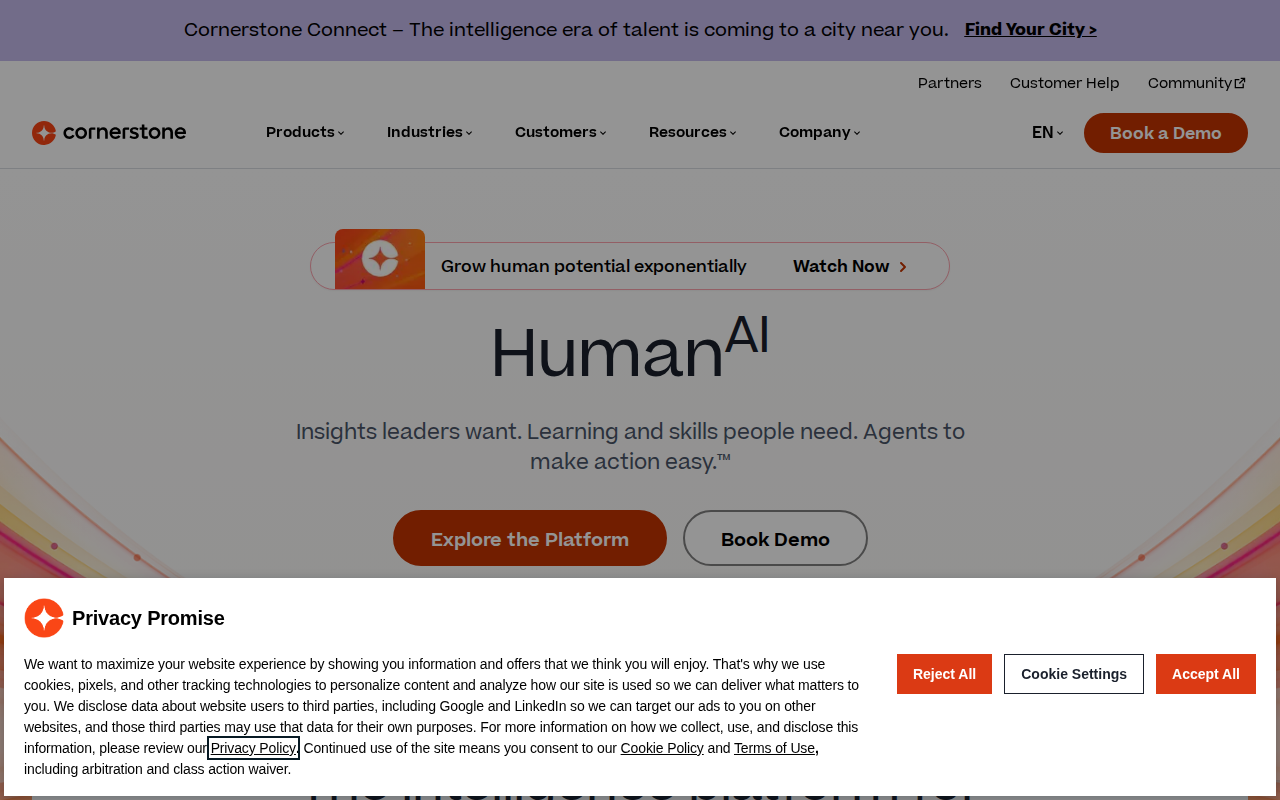
6. Cornerstone OnDemand , Custom Enterprise Packages
Cornerstone offers custom‑priced packages that include certifications, continuing education, and skill‑tracking modules. Pricing is negotiated per contract, so you get a plan that matches your exact user count and feature set.
Large universities and corporate training departments appreciate the ability to bundle learning with performance management.
The vendor highlights how continuous professional development can boost employee retention, a point reinforced by their case studies.
Because the price is custom, you’ll need to request a quote to see the exact cost.
7. Blackboard , Integrated SIS & CE Pricing
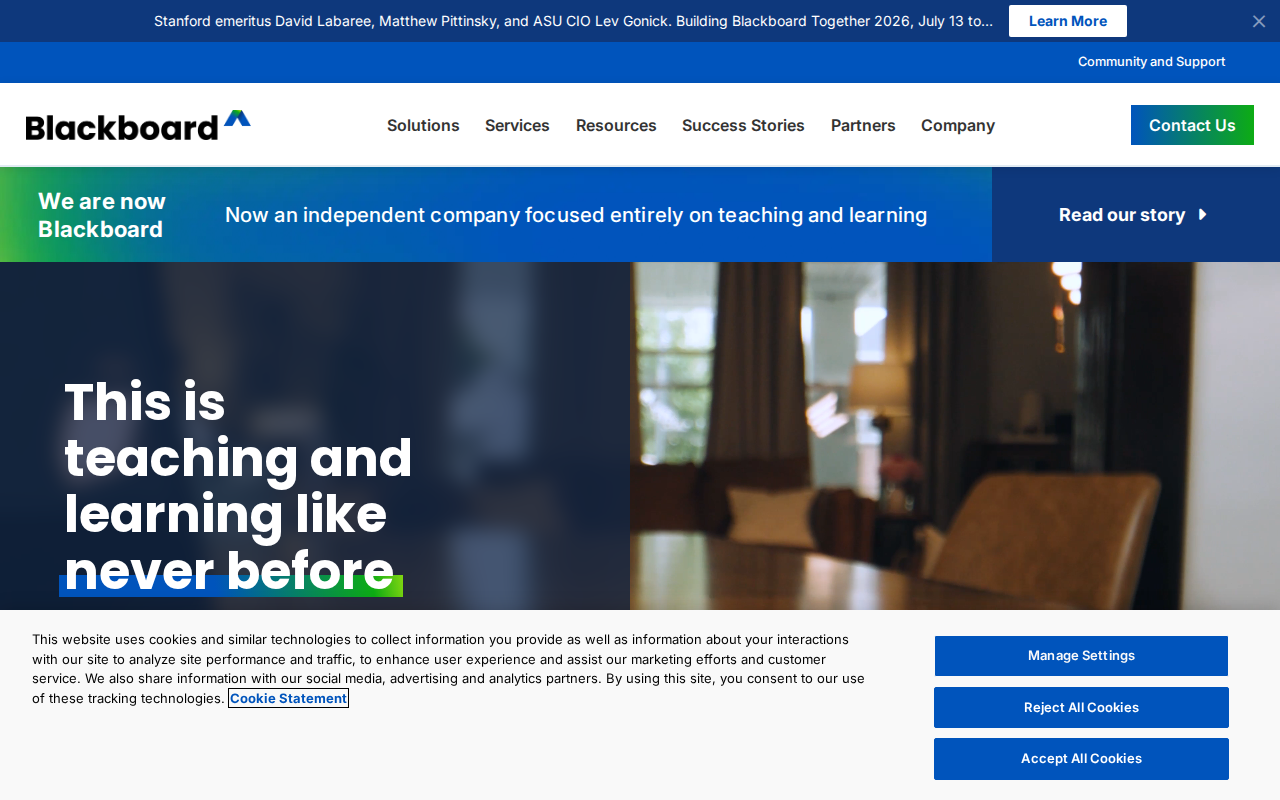
Blackboard bundles its learning management system with a student information system (SIS), creating a single source of truth for enrollment, grades, and certificates.
Schools that already use Blackboard for regular courses find the CE add‑on a natural extension, especially for workforce‑development tracks.
The pricing model is tiered by the number of active users and includes optional modules for e‑portfolio and analytics.
While the integration is powerful, the cost can rise quickly if you add many optional features.
8. Litmos , Subscription Bundles for Corporates
Litmos sells subscription bundles that combine LMS access, content libraries, and compliance tracking. The bundles are priced per‑seat but include unlimited courses.
Corporate training teams that need quick onboarding for new hires benefit from the ready‑made content and simple admin console.
The platform’s API lets you sync employee data from HR systems, reducing manual entry.
However, the content library leans heavily toward corporate compliance, which may not suit niche vocational programs.
9. Pay‑As‑You‑Go LMS for Independent Trainers
This pay‑as‑you‑go option charges only for the courses you publish, making it attractive for solo instructors and small academies.
You get a built‑in storefront, basic LMS, and simple payment processing without a long‑term contract.
It lacks advanced automation for certificates, so you may need manual steps for CE credit tracking.
Still, the low entry cost lets you test the market before scaling.
All‑In‑One Learning Platform with CE Credit Tracking
This all‑in‑one solution bundles website building, email marketing, and LMS features, and includes CE credit tracking, appealing to coaches and certification bodies.
All‑in‑one means you don’t need separate tools for landing pages or email funnels, which can simplify budgeting.
Pricing is subscription‑based and higher than most pure LMS tools, so it fits organizations that value marketing automation alongside education.
Because it’s a broader business platform, you might pay for features you never use.
How to Choose the Right Pricing Model
Start by mapping your learner volume across a typical year. If you have a steady headcount, a flat per‑seat plan keeps billing predictable. If enrollment spikes seasonally, look for usage‑based or active‑user models to avoid paying for idle seats.
Next, list the integrations you need, payment gateways, SIS, or CRM. Some vendors hide integration fees, so verify that the cost is included.
Finally, consider automation. Platforms that auto‑issue certificates and send reminders reduce manual work and free staff for student support.
Pricing Comparison Table
FAQ
What is the most common pricing model for continuing education software?
The most common model is a flat per‑user subscription, where you pay a set fee for each learner each month. It offers predictable costs but can become pricey if you have many inactive users.
Do any platforms offer a free tier for small schools?
Only a handful of vendors provide a free tier, usually limited to a trial period or a capped number of users. TalentLMS and other providers let you start small without a contract.
How important is integration with payment gateways?
Integration is critical because it eliminates manual invoicing and reduces errors. Platforms like Steams Online and other platforms include built‑in connectors to Stripe, PayPal, and QuickBooks.
Can I get a custom quote for my organization?
Yes. Cornerstone OnDemand and some enterprise‑grade solutions require you to request a custom quote, which tailors pricing to your user count and feature set.
What should I watch for in hidden fees?
Hidden fees often appear as charges for extra admin users, premium support, or premium integrations. Review the fine print on the vendor’s pricing page before you sign.
Ready to simplify your training operations? Try Steams Online free →
Our recommendation: start with Steams Online’s Silver tier if you’re growing enrollment, then scale to Gold as you add more automation. Click the pricing link above to see the latest rates and begin your free trial today.