Juggling spreadsheets, phone calls, and paperwork to run a training center? You need a single system that handles registration, scheduling, payments, certificates, and reporting without the hassle. Below is a shortlist of the best training center management software options for 2026, and who each works best for.
1. Steams Online (Our Top Pick)
Steams Online is an all‑in‑one platform built for vocational schools, certification programs, and faith‑based education providers. It combines student registration, class scheduling, payments, a built‑in CRM, LMS, attendance tracking, certificates, and reporting in one hub.
We use it when we need to cut admin time and give students a smooth online experience. The system lets you collect leads, enroll students, and send automated reminders from a single dashboard. Simplify and Boost Your Course Management with its web‑hosted interface, so you never worry about hardware or upgrades.
Because every feature talks to the next, you get real‑time insight into enrollment trends, revenue, and learner progress. That data helps you plan new cohorts or adjust pricing on the fly. The platform also offers custom receipts, multi‑center hierarchies, and role‑based access, which means administrators can delegate tasks without exposing sensitive data.
One caveat: the UI can feel dense at first glance if you’re used to minimalist tools. Take a few days to map out your workflows, then the automation pays off quickly.

Steams Online pricing varies by enrollment volume; you can request a quote here. For a hands‑on look, start a free trial and see the workflow in action.
2. TrainingCenter , Best for Multi‑Center Operations
TrainingCenter targets organizations that run several locations under one brand. It centralizes course creation, participant management, and payment processing while letting each center keep its own branding.
Its scheduling engine shows all sites on a shared calendar, so you can avoid double‑bookings and balance instructor loads across locations. The built‑in CRM captures every prospect, then nurtures leads with automated email sequences.
Automation is a key strength: new enrollments trigger invoicing, receipt generation, and a welcome email without manual steps. The platform also offers a marketplace where you can list trainers, making it easy to expand your faculty network.
A limitation is that integrations are limited to a handful of payment gateways; if you rely on a niche processor you may need a custom API.
3. LearnUpon , Best for Corporate Training Programs
LearnUpon is built for companies that need to train employees, partners, and customers at scale. It blends LMS features with strong reporting, so compliance officers can pull audit‑ready logs in seconds.
The platform supports blended learning , you can combine live webinars, SCORM packages, and on‑demand videos. Mobile apps let learners finish modules on the bus or in the field, and the system automatically marks completion.
What sets it apart is the ability to brand each learning portal, which helps keep corporate identity consistent. However, the UI leans toward corporate jargon, which may feel stiff for community education centers.
4. Custom Workflow Solutions, Best for Customizable Workflows
This platform shines when you need to design unique processes for scheduling, enrollment, or reporting. Its AI‑driven Automator lets you connect the platform to any ERP, HR system, or custom database.
You can build rule‑based triggers , for example, when a new learner registers for a safety course, the system automatically assigns a qualified instructor, reserves a lab, and sends a compliance checklist.
The conflict‑alert feature spots double‑booked rooms or instructors before they become a problem. That saves hours of manual reshuffling each month.
The downside is a steeper learning curve; you’ll need an admin to map out the workflows before the benefits appear.
5. Compliance-Focused Platform, Best for Compliance Training
This platform focuses on regulated industries such as healthcare, finance, and aviation. It provides built‑in compliance templates, automated renewal reminders, and a full audit trail for regulators.
When a certification expires, the system pushes a task to the learner, schedules a make‑up session, and logs the activity for future inspection. The reporting engine can export data in formats required by ISO or OSHA auditors.
One trade‑off is that the content authoring tools are less flexible than dedicated LMSs; you’ll often import courses from external providers.
Overall, if your biggest headache is staying audit‑ready, this platform removes that risk.
6. Docebo , Best for AI‑Powered Learning
Docebo uses AI to personalize learning paths and recommend content based on user behavior. The AI Copilot suggests courses, auto‑generates quizzes, and even translates material for global teams.
Automation goes beyond recommendation: it routes compliance courses, sends renewal alerts, and creates detailed analytics dashboards that tie learning outcomes to business KPIs.
Enterprises love the scalability , the platform handles tens of thousands of users without a dip in performance. A minor drawback is the price point; smaller centers may find it pricey compared to niche tools.
Docebo’s mobile app works offline, so field workers can finish safety modules without internet.
7. Talent Development Platforms , Best for Employee Development
These platforms focus on career growth and skill‑mapping for corporate teams. They let managers create learning pathways tied to role competencies, then track progress against promotion criteria.
The platforms integrate with major HRIS systems, pulling employee data so you can auto‑assign courses when someone changes roles. Learners get a clean, modern UI that feels more like a consumer app than a corporate portal.
A limitation is that they lack deep compliance features; they are better suited for professional development than regulated training.
For companies that value talent mobility, this type of platform turns learning into a strategic HR tool.
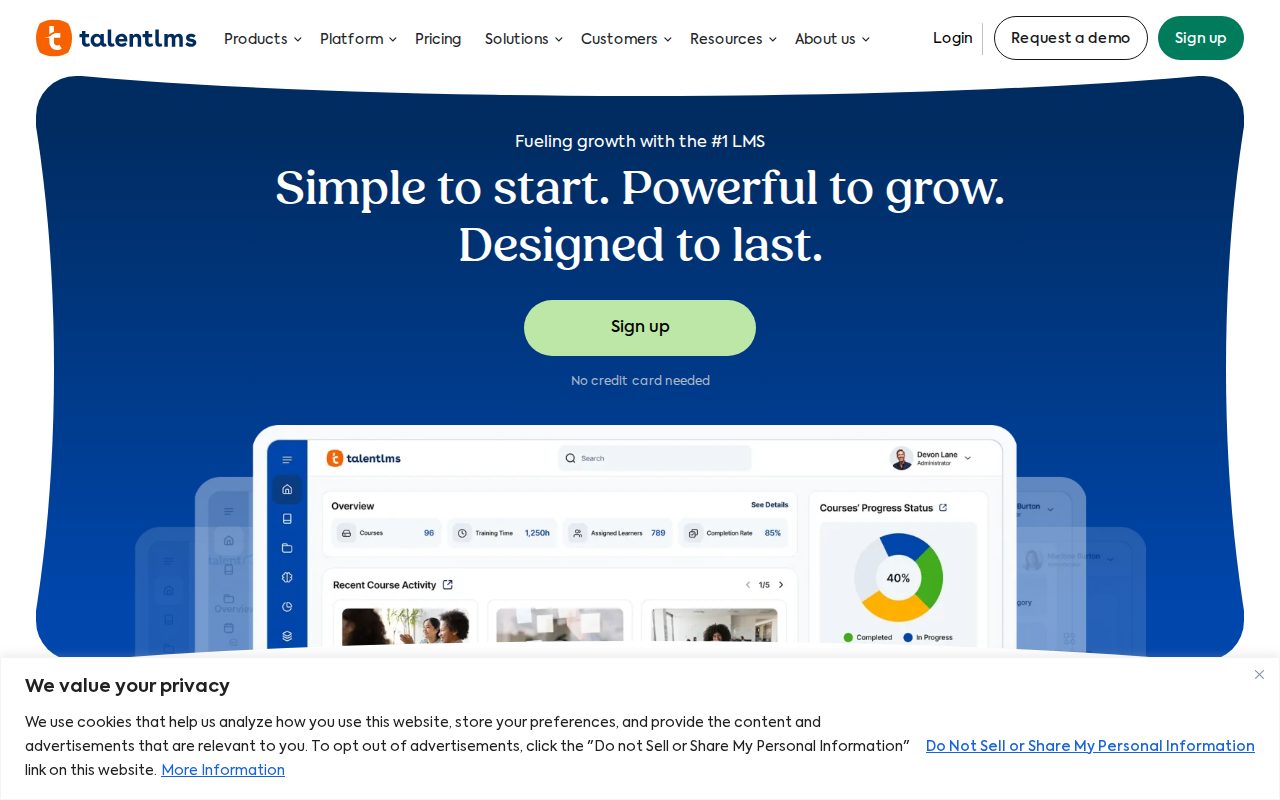
8. TalentLMS , Best for Ease of Use
TalentLMS is known for its straightforward setup. You can spin up a new course in minutes, upload a PDF, and share a link with learners.
Its drag‑and‑drop editor lets you build quizzes without coding, and the built‑in analytics show completion rates at a glance.
Because the platform is cloud‑hosted, you never need to manage servers or install patches. Small teams love the low learning curve and quick onboarding.
The trade‑off is limited customization; you can’t deeply brand the learner portal or create complex multi‑step workflows.
If you need a no‑fuss solution that works out of the box, TalentLMS delivers.
9. Best for Small Organizations
Platforms in this category offer a lightweight, cloud‑based creator that lets tiny schools or niche training firms build courses fast. The AI author can draft outlines from a topic, then you fine‑tune the content.
Features include multilingual support, quiz banks, and automated email reminders. You can also track learner progress and issue certificates without extra plugins.
Because the platform is priced per active learner, small organizations keep costs low while still getting a full LMS experience.
The main downside is limited integration options — you can connect to major CRMs, but niche tools may need manual CSV imports.
10. Best for Interactive Content
Interactive content tools let you create interactive lessons with drag‑and‑drop blocks, video embeds, and real‑time quizzes. Learners see instant feedback, which boosts retention.
Their reporting engine highlights which slides cause drop‑offs, so you can tweak content on the fly. These tools also support white‑labeling, letting you add your logo and colors.
One limitation is that they are geared toward short, bite‑size modules; long, accreditation‑heavy courses may feel cramped.
For teams that want engaging, micro‑learning experiences, interactive content tools hit the mark.
FAQ
What is training center management software?
Training center management software is a platform that combines registration, scheduling, payment processing, learning management, and reporting into one system, helping schools run smoother.
Do I need a separate LMS if I use a training management system?
Most modern platforms, like Steams Online, include LMS features, so you can avoid buying a separate learning system.
Can these tools handle multiple locations?
Yes. Solutions such as TrainingCenter and workflow automation software let you manage several campuses with a single dashboard and shared data.
How important is automation for compliance training?
Automation reduces human error and ensures that renewal reminders, audit logs, and certification tracking happen without manual effort, which is critical for regulated sectors.
Is there a free trial available?
Many vendors, including Steams Online, offer a free trial or demo so you can test the workflow before committing.
Choosing the right software hinges on your size, regulatory needs, and how much you value automation. For most vocational and certification schools, Steams Online gives the deepest feature set and the most built‑in automation.
Ready to see it in action? Start your free trial today and experience the all‑in‑one difference.