One student needs an evening class. Another has registered at a different location. An instructor wants the latest roster, and a prospective learner who asked about a course last week still needs a response.
For a school running several programs, the challenge is keeping those details connected as the day moves forward.
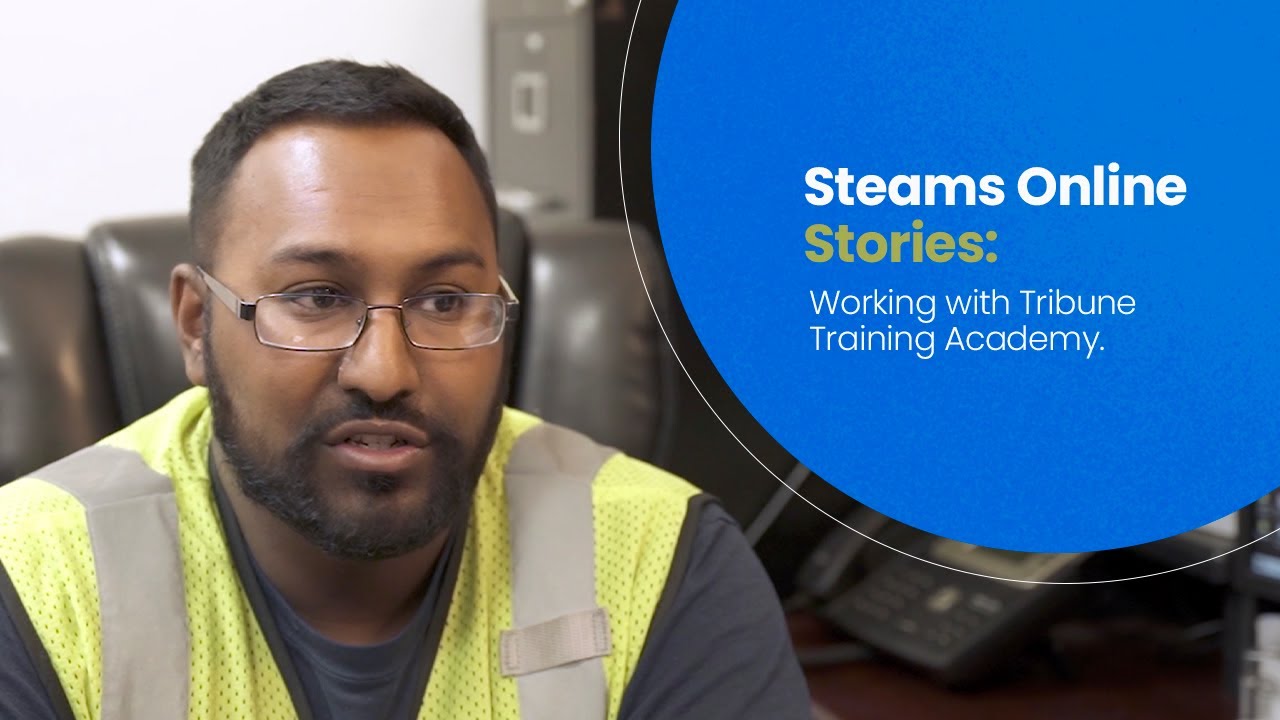
In its recorded testimonial, Tribune Training Academy described using Steams Online to keep student information connected with classes, dates, instructors, and locations. The academy also valued being able to follow up with people who had expressed interest and with returning learners.
Watch the Tribune Training Academy story
Watch on YouTube (opens a new tab)
Watch the Tribune Training Academy testimonial on YouTube.
The challenge: keeping track across classes and locations
In the testimonial, Tribune explained that tracking students and their information was a major administrative challenge. The team needed to know which class a person was taking, on which date, with which instructor, and at which location.
The academy described being able to access that information in Steams Online rather than relying on paperwork and repeatedly asking employees for updates. It also discussed keeping records of people interested in a course, making later follow-up possible.
The story illustrates two connected needs: knowing where enrolled students belong and maintaining a useful record of people who may enroll in the future.
Connect the student to the correct class session
A course title alone may not tell your team enough. The same program can run on different days, with different instructors, at different locations.
For your own school, decide which details must be visible whenever staff review an enrollment:
- The student's identity and enrollment status.
- The specific course and class session.
- The dates and meeting times.
- The assigned instructor.
- The training location or online delivery details.
Use consistent names for classes and locations so staff do not have to interpret abbreviations or search through similarly named sessions.
Steams Online's student management tools organize enrollment information alongside other student records, while its scheduling features support class schedules and capacity settings. During a demonstration, ask to see your actual class-and-location structure and confirm the configuration available for your account.
Make changes visible to the people who need them
Good records are especially important when something changes. A student moves to another session, an instructor changes, or a class meets at a different location.
Write down how your school handles each update. Identify who makes the change, which records need review, and how the student and instructor receive the relevant information.
Try a realistic example during setup: move a sample enrollment to a different session, then check the information from the administrative and instructor perspectives. Review any payment or document implications before treating the change as complete.
This exercise helps your team discover whether a change creates extra work elsewhere and decide who owns that work.
Keep inquiries useful after the first conversation
Someone who asks about a course may need time to arrange a work schedule, compare dates, or gather the required information.
A useful inquiry record captures enough context for the next conversation: the course of interest, the question asked, the preferred way to communicate, and the person responsible for following up.
Steams Online's current CRM and lead management features include lead capture, assignment to representatives, and tracking from inquiry toward enrollment.
Before adding an automated message, decide what help the recipient needs. A person comparing class dates may benefit from a schedule link. Someone who has already registered needs a different response.
Keep follow-up relevant, respect communication preferences, and make sure a staff member can respond when the conversation continues.
Use course history to support returning learners
A former student may come back for another program, additional training, or a course they need to repeat. A useful history helps staff understand the earlier relationship and discuss the next appropriate step.
Review what your team records at completion and how it is used later. Keep course names and completion information clear enough that another staff member can understand them without reconstructing the student's history.
When a message refers to a renewal or training requirement, verify the current rule that applies to that course and learner before sending it. The right follow-up depends on the specific program and circumstances.
What growing training academies can take from this experience
Tribune's story offers a practical question for a school expanding its programs: can the team answer basic enrollment questions without asking several people to reconstruct the answer?
Choose a few records and test that question. Find a current student, a person who changed sessions, and someone who inquired but did not enroll. Check whether the next staff member can understand each person's status and next step.
If information is missing or unclear, improve the process for recording it. Define responsibilities before adding more messages, more reports, or more programs. A useful system starts with information that the team can trust and maintain.
Bring your scheduling and follow-up challenges to a demonstration
Managing several programs requires a clear view of both current enrollments and future opportunities. The details should help staff serve students consistently as the school develops.
Schedule a Steams Online demonstration and bring an example involving your classes, instructors, and locations. Then walk through how a new inquiry becomes an enrollment and how your team would handle a later change.
Sources and related tools
- Tribune Training Academy testimonial — the academy's account of student tracking and follow-up.
- Student management.
- Scheduling, CRM, and platform features.