When several classes are running and students arrive to make payments, the front desk has to keep moving. A staff member needs to find the right record, confirm the amount, issue a receipt, and answer the next question without losing track of the person in front of them.
For a medical training school, those everyday interactions are part of the student experience. A well-organized office helps students feel that their information is in good hands.
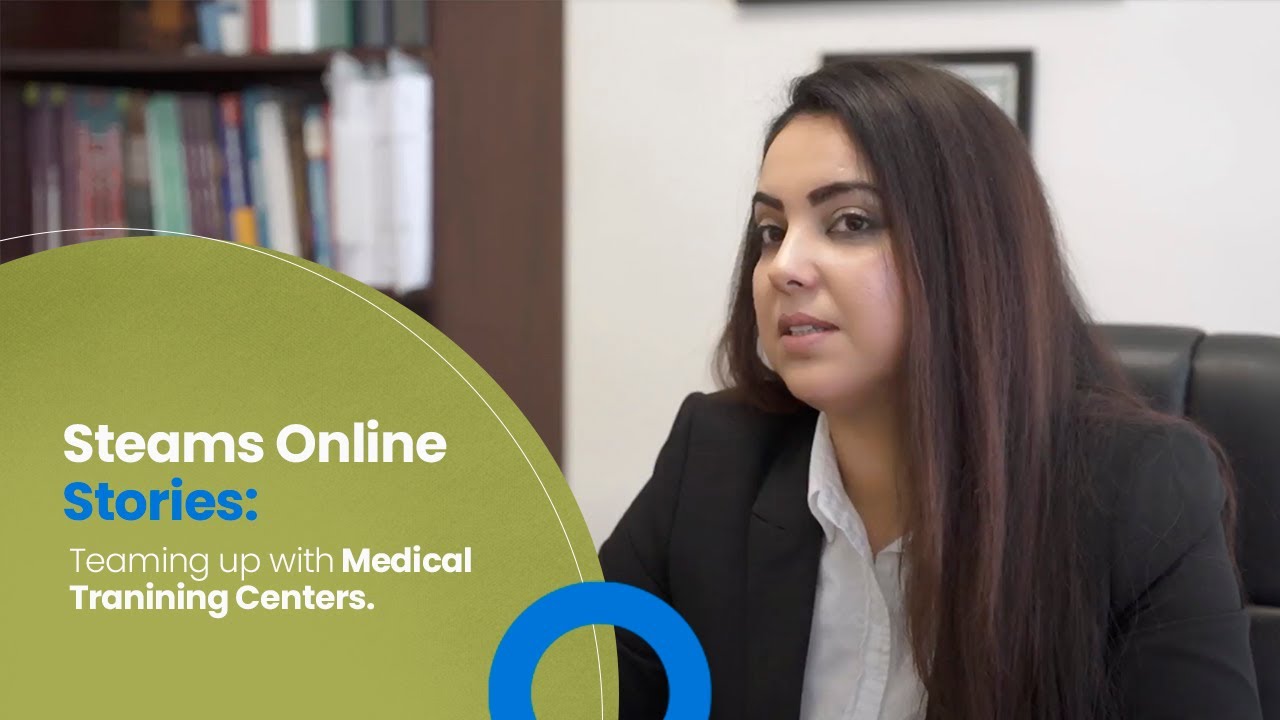
In its recorded testimonial, Genesis Medical Training Center described how Steams Online helped the team retrieve student information, handle payments, and receive registrations and documents online. The story highlights the connection between organized records and more convenient service.
Watch the Genesis Medical Training Center story
Watch on YouTube (opens a new tab)
Watch the Genesis Medical Training Center testimonial on YouTube.
The challenge: finding the right information when students need help
In the testimonial, Genesis described the difficulty of retrieving paper files while multiple students were waiting to make payments. Staff needed student information quickly, and administrators also needed access to those records.
The school explained that using Steams Online let staff search for a student, retrieve the record, take a payment, and provide a receipt showing the remaining balance. It also described students registering, paying, and uploading documents online, reducing the need for an office visit for those tasks.
Genesis reported that this helped save time for both staff and students. These are the school's reported experiences; the interview does not provide a measured time-savings study.
Why a connected student record matters at the front desk
Consider the information behind a routine payment question. A staff member may need to confirm the student's identity, identify the correct course, check the account, and explain what remains due.
If those details live in different places, even a simple conversation can become a search. A useful student record brings the relevant information into reach while making it clear who is responsible for keeping it current.
For your own school, ask three practical questions:
- Can staff find a student without guessing which spreadsheet or folder to open?
- Can they distinguish the student's current enrollment from an earlier course?
- Can they explain the account status using a record they know is up to date?
Steams Online's student management tools bring together information such as enrollment history, attendance, grades, payment status, and certificates. The value comes from how your team uses and maintains those records during the working day.
Make payment information easier to explain
A receipt is also a communication tool. Students need to understand what they paid for and whether another payment is expected.
Review your school's payment process from both sides of the desk. Check what staff see when recording a payment and what the student receives afterward. Make sure your team knows how to investigate an incomplete payment or an amount that does not match the expected balance.
Steams Online's billing and payment features include invoices, payment plans, and payment-status tracking. During setup, confirm how your school will use those functions and how changes to an enrollment affect its records.
The objective is a consistent answer when a student asks, “What do I still need to pay?”
Give students a clear way to complete tasks online
For a prospective student balancing work and family commitments, a separate trip to submit paperwork can be difficult to arrange.
Online registration can help when the instructions explain what is needed and what happens after submission. Your form should identify required information, explain document requirements, and provide a useful confirmation.
Steams Online's class registration tools support customizable forms, document attachments, and confirmation messages.
Before opening registration, test the experience on a phone. Ask someone unfamiliar with the setup to complete a sample application and explain what they believe happens next. If their understanding differs from your school's process, revise the instructions before students encounter the same confusion.
What other healthcare training schools can take from this story
Genesis's experience offers a useful starting question: which front-desk interaction takes more effort than it should?
Choose one recurring task, such as locating an account, answering a balance question, or checking whether documents have arrived. Map the steps staff currently take and identify where they wait, repeat an entry, or ask someone else to locate information.
Then test an improved process with the people who perform that task. Look for clear ownership, accurate records, and an explanation the student can understand. Measure your own results, using the same task before and after the change.
This approach gives your school a practical way to evaluate software using its actual work.
Bring your front-desk questions to a demonstration
A medical training school needs an administrative process that supports its students from their first inquiry through the end of a course.
If your team is spending too much time searching for records or explaining disconnected payment information, schedule a Steams Online demonstration. Bring a typical registration and payment scenario, and see how your staff would handle it in the platform.
Sources and related tools
- Genesis Medical Training Center testimonial — the school's account of its experience.
- Student management.
- Billing and payments.
- Class registration.