The best training management software for a small business is the system that handles its actual training workflow without making staff maintain the same information in several places. For a business that sells scheduled classes or certification programs, that usually means evaluating registration, student records, billing, course delivery, and completion together—not choosing on the strength of a course builder alone.
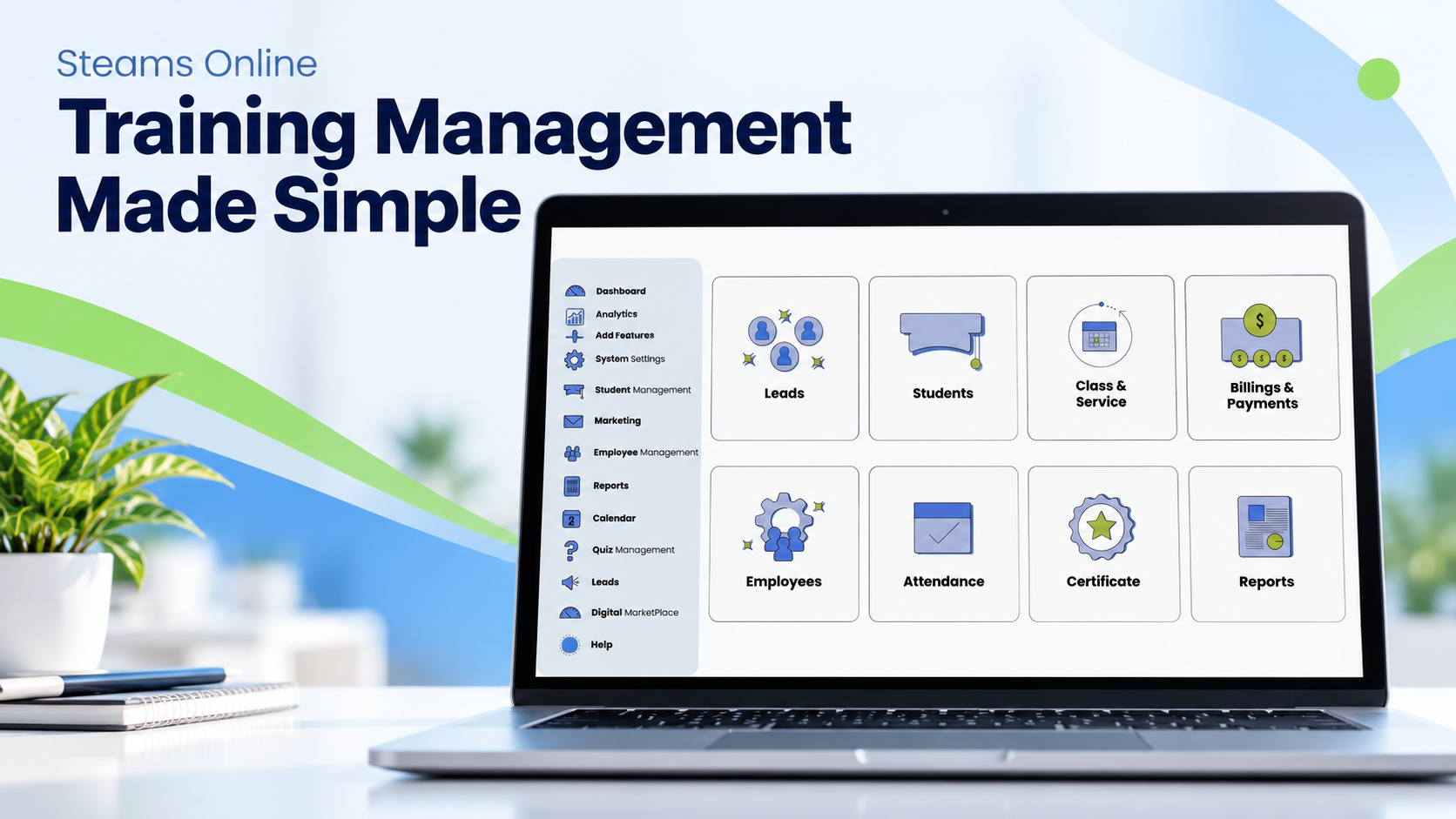
Steams Online is a relevant option for small training providers seeking a connected administrative and learning platform. Its published features cover enrollment, student management, payment plans, scheduling, learning activities, and certificates. Whether it is your best fit depends on the details of your programs and the workflows demonstrated during evaluation. 1
This guide is published by Steams Online. It is a buyer’s framework with a documented shortlist, not an independent award, exhaustive market ranking, or claim that one product is best for every organization. Product information was checked on September 20, 2026; verify current plans and contractual terms before purchasing.
Start with the business you are running
“Training software for small businesses” can describe two quite different purchases. An employer may need to deliver onboarding lessons to its staff. A training school may need to sell places in a course, accept a deposit, collect documents, schedule instructors, record attendance, and release a certificate after requirements are met.
Write down which situation you are solving. Then identify the person who owns each step. A system can have an impressive lesson editor and still leave your admissions coordinator copying information from an inbox into a payment spreadsheet.
For example, imagine a small certification school running evening and weekend cohorts. Its most important demonstration might be a student transferring between cohorts with a remaining balance—not the appearance of the course catalog. That is an illustrative buying scenario, not a reported customer result.
Understand the main software categories
Treat these as useful evaluation categories rather than rigid boundaries between vendors. A learning management system, or LMS, centers on learning content, activities, assessment, and progress. A student information system, or SIS, centers on administrative student records. A training management system focuses on organizing the business and delivery of training. A CRM helps organize inquiries and relationships.
Products increasingly combine those functions. For example, Arlo presents training management alongside course creation and delivery, while TalentLMS presents a learning platform for several workplace-training audiences. The relevant question is what a specific configuration will do for you. 2 3
When a provider describes its platform as an “operating system for your school,” read that as a metaphor for a shared operational workspace. It does not mean a computer operating system, nor does it establish that the product replaces every university finance, accreditation, or student-aid system.
Our TMS, LMS, and SIS guide explains how to map these categories to daily work.
A practical shortlist—not a universal ranking
Steams Online: evaluate the complete school workflow
Steams is worth evaluating when your team needs to connect the administrative and learning sides of a training organization. Ask the demonstration to follow one learner from registration through billing and course participation to completion. Its public product pages describe online registration, student records, payment handling, and LMS functions. 4 5 6 7
Confirm the specific settings you will use: administrator permissions, installment timing, attendance reporting, completion approvals, data exports, and any external systems. Do not assume every feature, service, integration, or customization is included in every subscription.
Arlo: evaluate training-business administration and delivery
Arlo’s current product positioning includes creating, scheduling, selling, and delivering training. Include it in a comparison when training operations, course commerce, and delivery are central requirements. 2
Bring the same sample cohort to its demonstration. Ask how your existing learning content, payment arrangements, migration, and operational reports would be handled. Compare implementation and ongoing responsibilities, not just the list of available modules.
TalentLMS: evaluate a learning-first requirement
TalentLMS describes workplace learning use cases including employee, partner, and customer training. It merits consideration when delivering and managing learning is the central problem. 3
A school selling programs should also test its enrollment and financial requirements explicitly. A learning-first position is not proof that a product cannot support commerce; it is a reason to verify the whole workflow rather than infer it from an LMS label.
Moodle: evaluate learning configuration and operating responsibility
Moodle’s documentation describes configurable activity and course completion. Those controls can support a detailed learning design, but an organization still needs to decide how the surrounding administrative workflow will operate. 8 9
During evaluation, identify who will configure, host, maintain, support, and connect the chosen Moodle deployment. Request the total operating proposal, including services and integrations, rather than treating one software-license line as the whole cost.
Test the workflow that usually creates extra work
Use the same written scenario with every supplier. Create a course with a capacity limit and two dates. Register a sample student, request a required document, and create the payment arrangement your school actually uses. Check what changes in the student record after each action.
Next, introduce an exception. A document is rejected. A payment does not complete. An instructor changes. The student needs a different date. Ask the demonstrator to show what staff see, who must act, and what message the learner receives.
Finally, complete the course. Confirm that the attendance and assessment evidence is sufficient under your own rules before issuing a certificate. Export the records needed by your team. This sequence tests continuity between functions more meaningfully than viewing each screen in isolation.
For a regulated program, give the vendor your actual reporting and record requirements. Software configuration is not, by itself, a determination that a school or course is approved.
Compare the cost of operating the system
Request a written proposal covering subscriptions, implementation, migration, training, support, payment-processing arrangements, messaging, integrations, and any extra accounts or locations you need. Ask which charges depend on usage and which are fixed.
Also estimate your internal effort. Who cleans the existing records? Who tests imports? Who maintains the course catalog? A cheaper subscription may not be the cheaper operating choice if it leaves work you intended to remove. Conversely, a larger platform may be unnecessary when a simple learning workflow is all you need.
Use your own baseline rather than an advertised savings percentage. Record how long your team currently spends processing a registration or answering a balance inquiry. Repeat the same task in a pilot. Differences in your measured process are more useful than an unsupported promise about hours saved.
Keep data access and an exit plan in the decision
Before committing, request a demonstration of permissions, account removal, backups, exports, and support escalation. Ask which records can be exported, in which formats, and whether attachments and historical activity are included.
Set up a non-administrator test user. A menu that is hidden from an instructor is not enough evidence of access control; ask the provider to show how access is enforced. Never use real student or payment information in an unapproved sales demonstration.
Privacy requirements must be assessed for your organization. For example, the U.S. Department of Education explains that FERPA applies to educational agencies and institutions receiving funds under programs it administers. It should not be assumed to apply identically to every private training business. Other obligations may still apply. 10
Run a small pilot with a clear decision
Choose a representative course and agree on acceptance criteria before the pilot starts. Your criteria might require accurate registration records, a successful payment reconciliation, correct instructor access, a completed attendance report, and a usable export. Add an exception case for each important workflow.
Keep a decision log with three outcomes: demonstrated successfully, requires configuration, or not established. A verbal “yes” is not the same as a completed test. Assign an owner and a due date to each unresolved item.
The best fit is the option that meets your important requirements at an acceptable total cost and responsibility level. A product does not become suitable merely because it appears at the top of a list.
Frequently asked questions
Can an LMS replace training management software?
It may cover your needs when learning delivery is the main requirement. For a business that also sells and administers cohorts, test registration, billing, scheduling, student records, and exceptions before deciding that an LMS alone is sufficient.
Is Steams Online only an LMS?
No. Its published product information includes administrative functions such as registration, student management, and billing alongside learning management. The relevant evaluation is how those functions fit your school’s process. 1
How should a small school choose its first platform?
Start with a workflow map and a short list of non-negotiable requirements. Compare suppliers using the same scenarios, confirm costs and responsibilities in writing, and complete a small pilot before moving all records.
Put your real process into the demonstration
Bring a course schedule, a blank registration form, a sample payment arrangement, and a list of reporting requirements to a demonstration. Use fictional student information. Ask where each item will be managed and which steps remain outside the platform.
Book a Steams Online demo to evaluate that process—not just watch a presentation.
Sources and further reading
- Steams Online — Platform features
- Arlo — Training management platform
- TalentLMS — Learning management platform
- Steams Online — Class registration and enrollment
- Steams Online — Student management
- Steams Online — Billing and payments
- Steams Online — Learning management
- Moodle documentation — Activity completion
- Moodle documentation — Course completion
- U.S. Department of Education — Which educational agencies or institutions does FERPA apply to?