A small school does not necessarily need three separate products because it has three different types of work. It needs clear ownership of student records, training operations, and learning delivery. A TMS, LMS, and SIS describe different areas of responsibility, but a particular platform may combine them.
Start by listing what your staff and students need to do. Then decide which system owns each record. This is a more practical approach than buying software simply because its acronym sounds comprehensive.
Translate the acronyms into everyday questions
For evaluation purposes, think of training management as the work of organizing and delivering programs: what is offered, when it runs, who teaches it, and who is booked. Think of student information management as the administrative record of the learner. Think of learning management as the course activities and evidence of progress.
These are working distinctions, not a universal specification. Vendor boundaries differ. Arlo describes training administration and delivery together; TalentLMS emphasizes workplace learning. Their labels alone do not establish what a configured system includes. 1 2
A useful question for a demonstration is, “Where would my coordinator resolve a student’s incomplete registration?” A second is, “Where would my instructor record an assessment?” The answer should include how the two records stay connected.
Follow one student instead of comparing separate screens
Imagine an adult learner applying for an evening certificate program. The learner submits an inquiry, registers, supplies a document, and pays a deposit. Later, the learner attends sessions, completes assignments, and receives a completion decision. This is an illustrative workflow, not a claim about any particular school.
At each step, identify the authoritative record and its owner. Admissions may own eligibility review. Finance may own payment reconciliation. An instructor may own assessment evidence. The system should make those responsibilities clear without requiring everyone to maintain a separate version of the student’s history.
Do the same exercise for an exception, such as a course transfer. Determine whether the transfer affects the schedule, balance, learning access, and attendance record. A system that handles the happy path can still leave significant manual work in exceptions.
Decide what completion actually means
Do not let a convenient software setting become your academic policy. Moodle’s documentation illustrates that activity completion can depend on different configured criteria, while course completion combines requirements at course level. A completed activity is therefore a configured status, not automatically proof of professional competence. 3 4
Write your completion rules first. A short awareness session may need different evidence from a hands-on vocational program. Then ask the vendor how the system records each requirement and who can approve an exception.
Choose one platform when it genuinely reduces handoffs
A connected platform can be useful when the same small team manages enrollment, student service, billing, and learning. The test is whether a change becomes visible where the next person needs it—not simply whether the product has many modules.
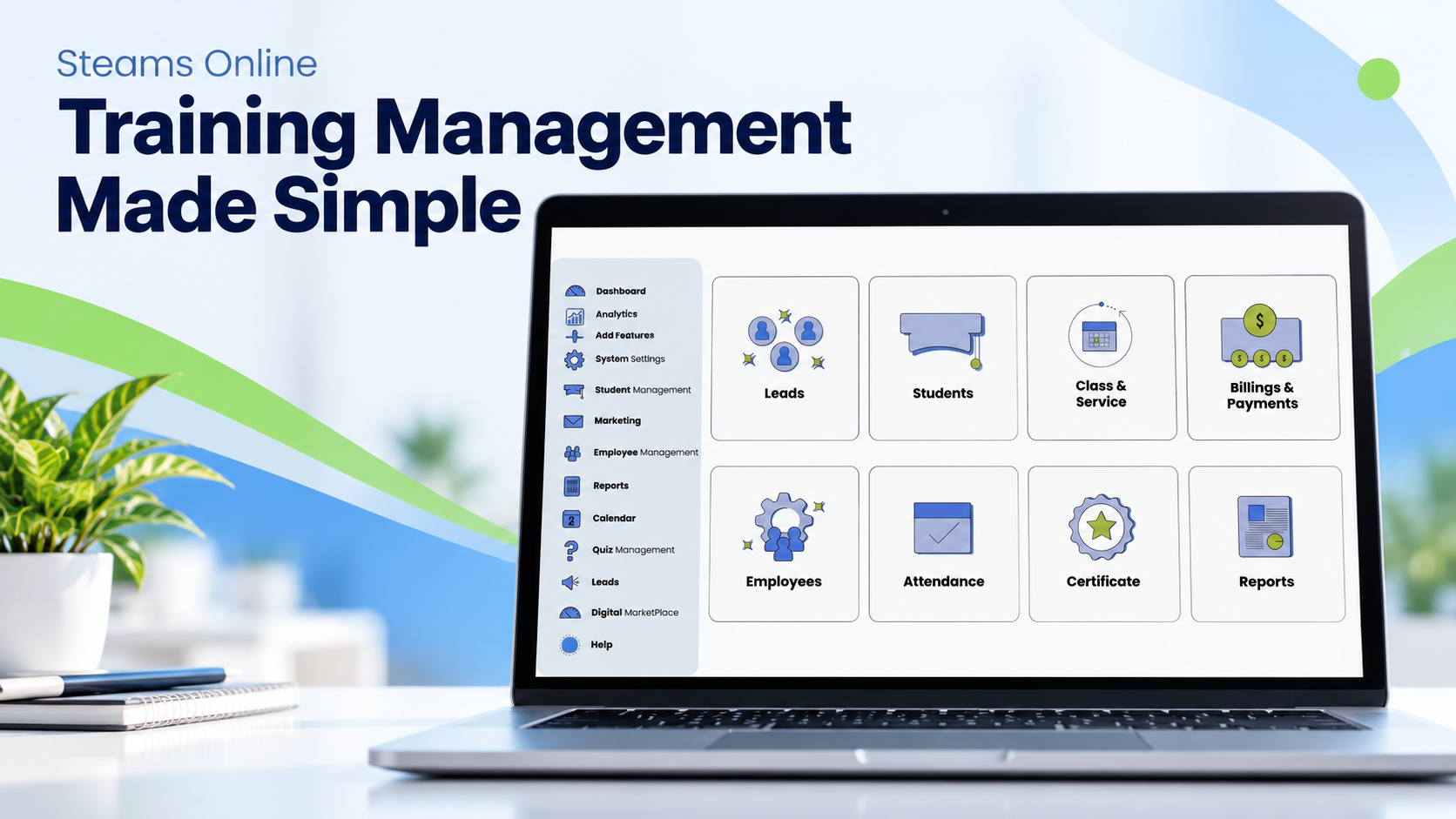
Steams Online describes student records and LMS functions within its broader platform. That makes it relevant to a combined-workflow evaluation. Confirm the exact record links and permissions in a demonstration using your own process. 5 6
Our software buying guide provides a comparison framework without assuming that a single product fits every school.
Keep multiple systems when there is a sound reason
There may be a good reason to retain an established learning environment, an accounting system, or a specialist assessment tool. Integration is not automatically a failure. Unclear ownership is the larger problem.
Before connecting systems, specify the student identifier, which fields move, which direction they move, and what happens when a transfer fails. Decide whether a corrected name or enrollment status should update automatically or wait for review. Keep a person responsible for unresolved exceptions.
Ask whether the proposed integration already exists, requires configuration, or needs development. Those are different commitments. A diagram showing two logos connected by an arrow is not an acceptance test.
Questions to settle before signing
Request an export containing the records you would need to move elsewhere. Ask whether documents, attendance history, and completion evidence are included. Test separate staff roles rather than using an administrator account for every demonstration.
Then record what you can stop maintaining. If the proposed system still leaves your critical registration spreadsheet in place, ask why. You may be selecting a useful tool without yet solving the whole operational problem.
Is a CRM the same as a student information system?
Not necessarily. A CRM can organize inquiries and relationships, while a student record may need attendance, course history, documents, and outcomes. Assess the actual fields and workflows instead of assuming the label guarantees them.
Does a small school need an enterprise campus system?
Size alone does not answer that question. Program requirements, funding arrangements, reporting, and integration needs should determine the scope. Do not pay for complexity you will not use—or ignore a requirement because your team is small.
Book a Steams Online demo with a one-page map of your student journey and see which responsibilities can be handled together.